
Sign Up
Create Your Organization
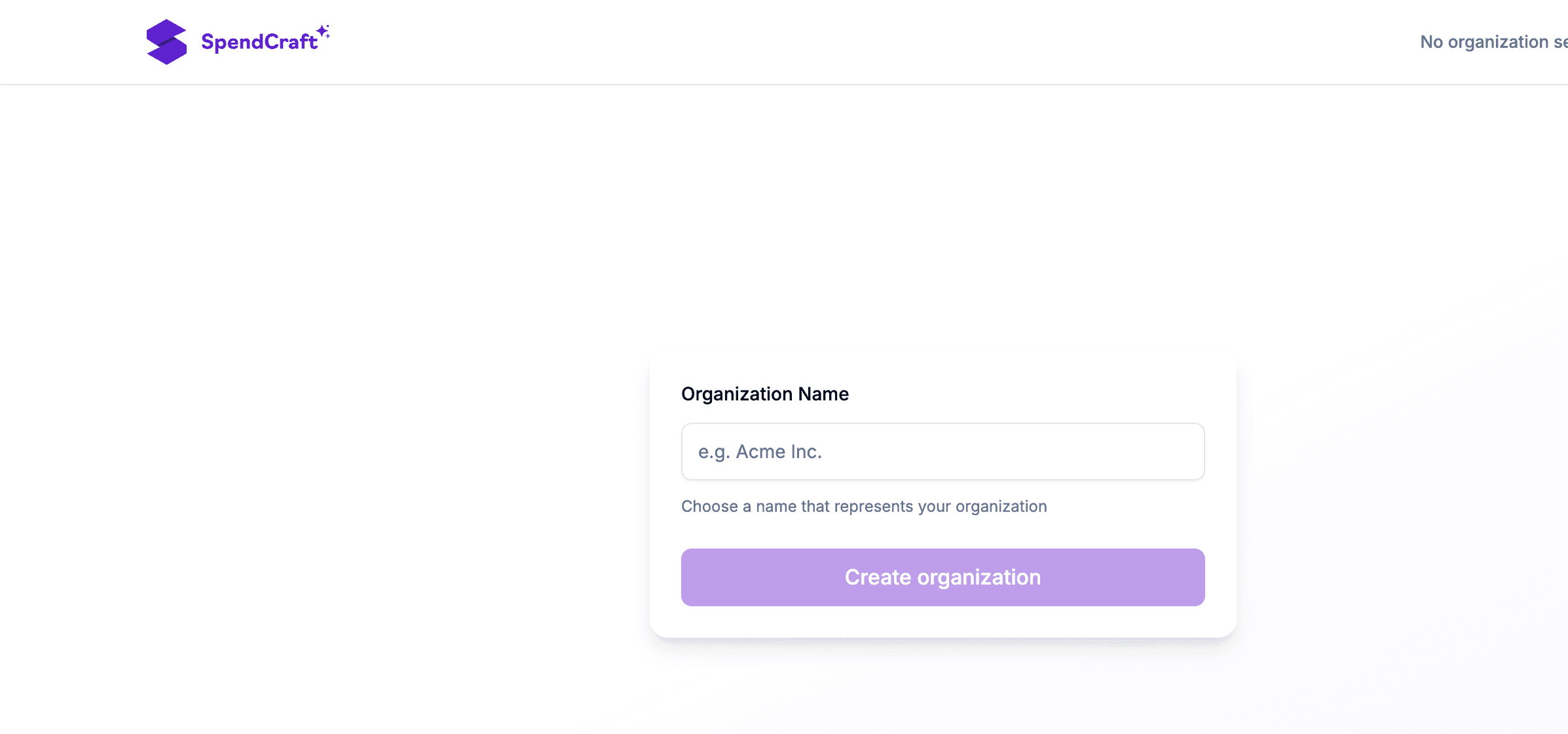
If you are the first user from your company to join SpendCraft, you will be prompted to create your Organization. This entity serves as the central hub for managing team members, shared workspaces, and data permissions.
🏢 Setup Steps
- Enter Organization Name: Provide your company's official name (e.g., "Acme Corp").
- Length: Minimum 3 characters.
- Allowed Characters: Letters, numbers, spaces, and symbols:
&,-().
- Submit: Click Create Organization to finalize the setup.
🛡️ Administrative Role
Upon creation, the system automatically assigns you as the Organization Owner/Admin. As an Admin, you can:
- Invite team members and manage access.
- Configure organization-wide settings.
- Oversee all workspaces and datasets.
Note
If your company already has an organization, you may need an invitation from your Admin instead of creating a new one.