Sign Up
Complete Email Verification
After signing up, verify your email address to secure your account and confirm ownership.
🛡️ Verification Steps
- Check your Inbox: Look for an email from SpendCraft with the subject "Email Verification".
- Retrieve Code: Open the email to find your unique 6-digit verification code.
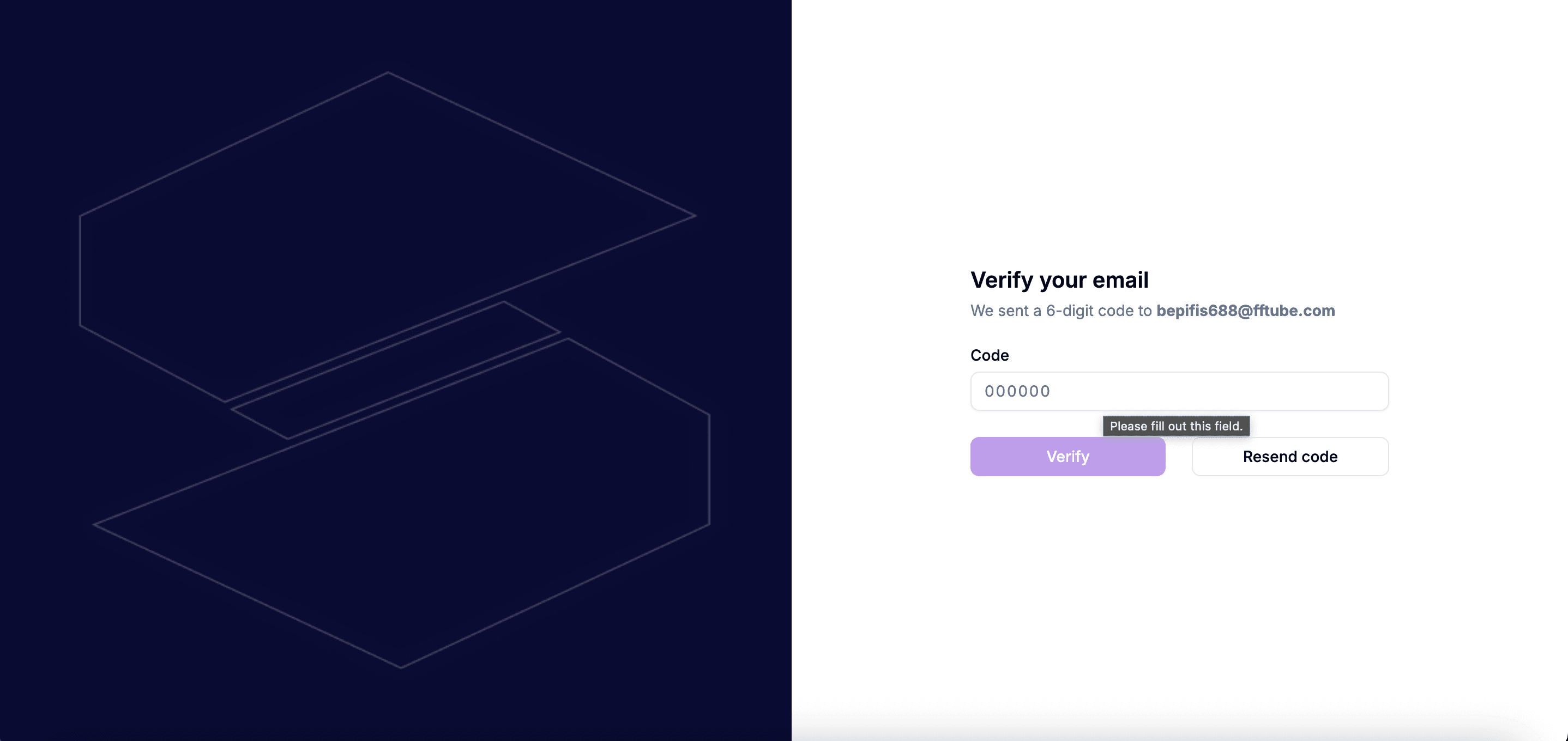
- Submit: Enter the code on the SpendCraft verification screen and click Verify.
📩 Didn't receive the code?
If the email hasn't arrived within a few minutes, try the following:
- Check Spam: Look in your junk or "Promotions" folders.
- Resend Code: Click Resend Code on the verification screen (available after 30 seconds).
- Verify Email: Ensure there were no typos in the email address provided during sign-up.
Security Note
Verification codes are time-sensitive. If the code expires, you must request a new one to complete your registration.