
Classification Overview
The Classification module is the critical "quality gate" of your spend intelligence workflow. Here, you audit the results of the AI Agent’s categorization, ensuring your data is accurate before it reaches executive dashboards.
SpendCraft uses exception-based auditing, allowing you to ignore the 90% of data the AI has classified correctly and focus surgically on the small percentage where confidence is low.
🔍 Understanding Classification Health
Upon selecting a Dataset (e.g., ICP_01), the module presents a high-level health check of your data.
- Overall Dataset Confidence: An aggregated accuracy score (e.g., 92%) representing the Agent's reliability across the entire dataset.
- Audit Principle: The system flags records as Low, Medium, or High confidence. Manual review is typically only required for Low confidence items to maximize efficiency.
🛠️ The Auditing Workflow
Follow this structured process to audit AI classification results and ensure maximum data accuracy.
-
Select the Dataset: Navigate to the Classification module and select the specific Dataset to audit (e.g., ICP_01) from the dropdown menu in the top right.
-
Determine Audit Priority: Review the KPI summary cards to identify high-risk areas:
- Examine the Low Confidence card for total spend and transaction counts requiring immediate attention (e.g., $12.3M across 678 transactions).
-
Use the Audit Tabs: Select the appropriate tab based on audit strategy:
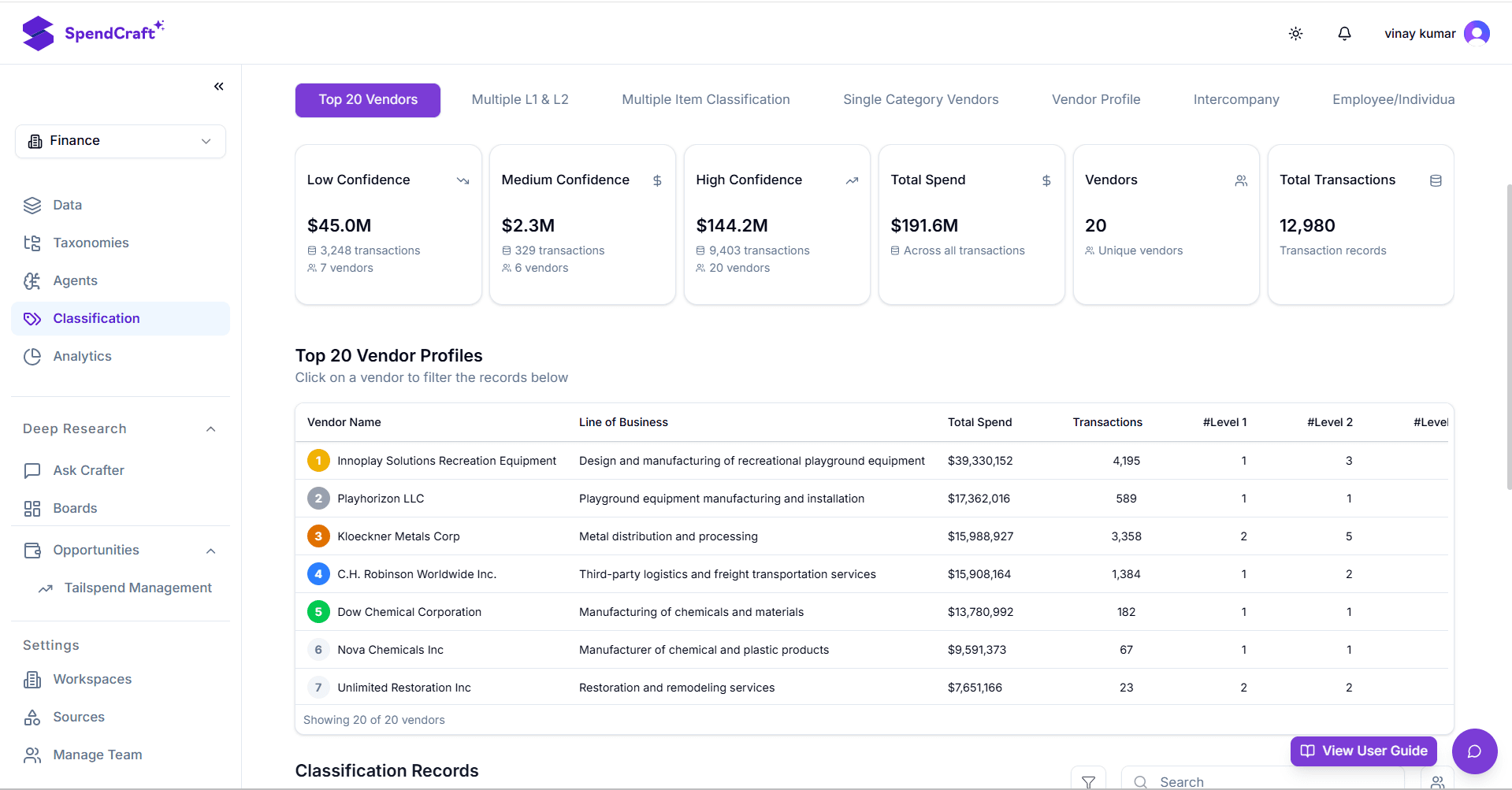
- Top 20 Vendors — Audit the largest suppliers for classification errors.
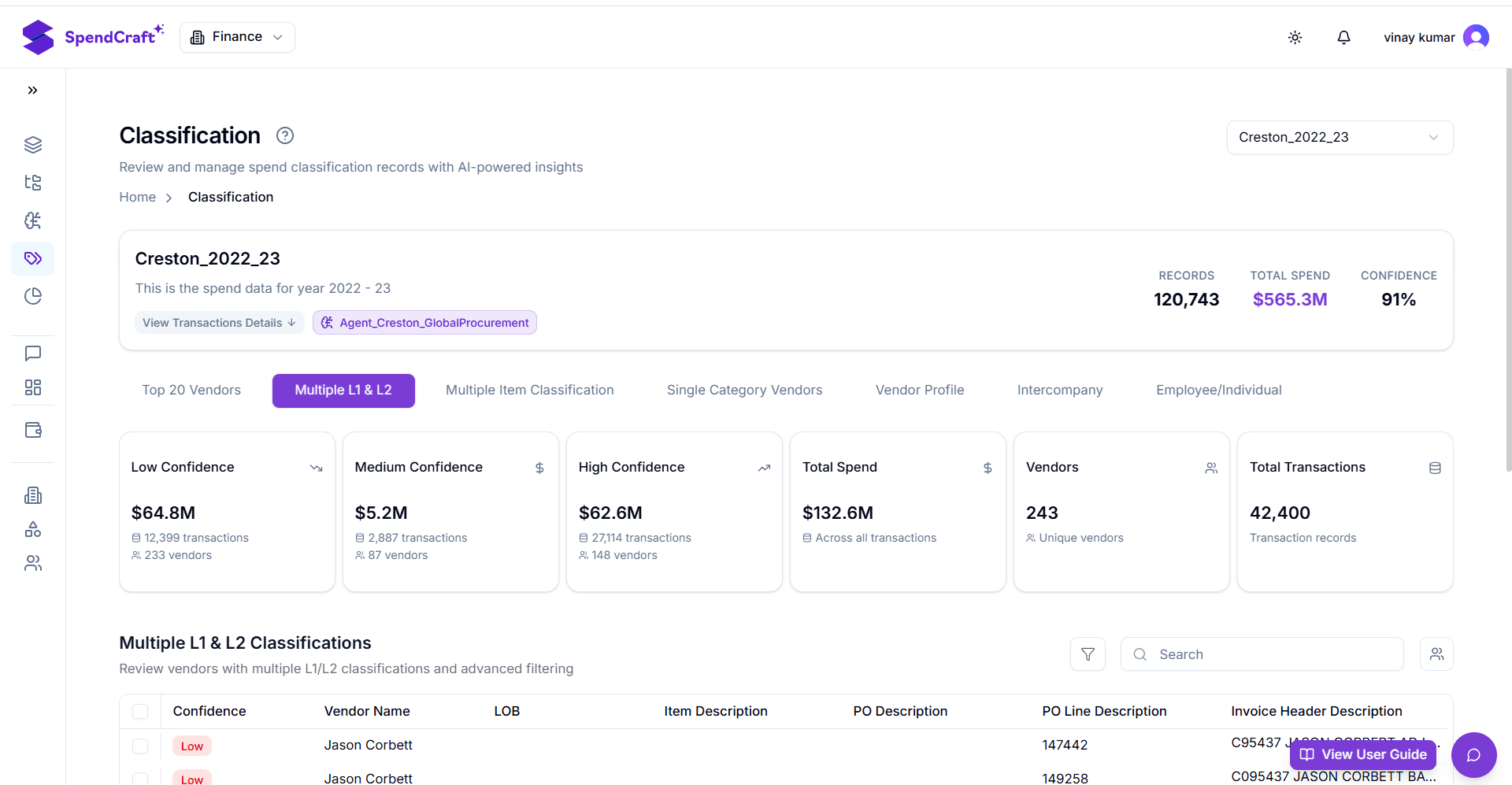
- Multiple L1 & L2 — Identify complex vendors classified into multiple disparate categories.
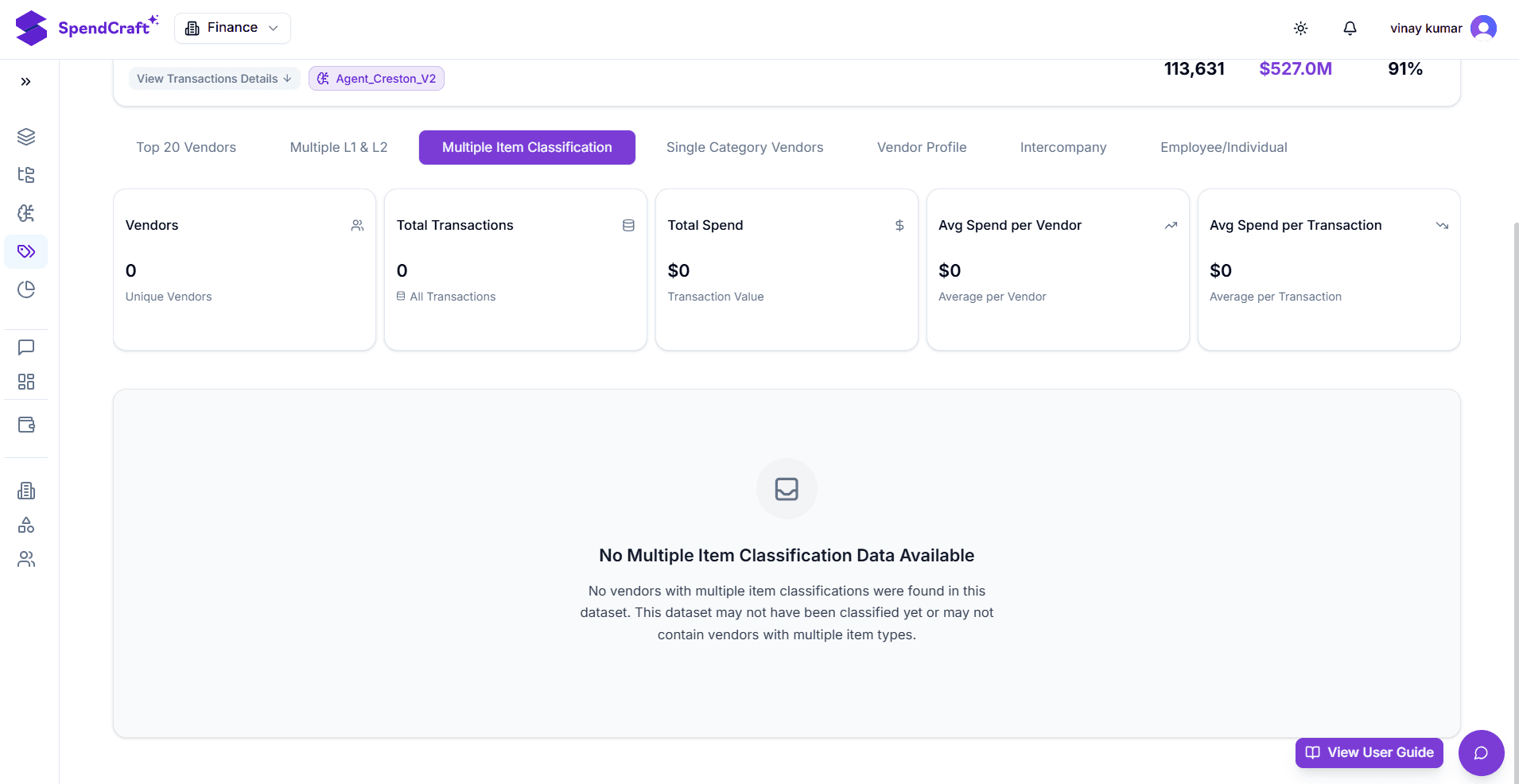
- Multiple Item Classification — Review vendors where line items within a single transaction are classified into different categories. Ensures accurate classification when transactions cover multiple distinct commodities.
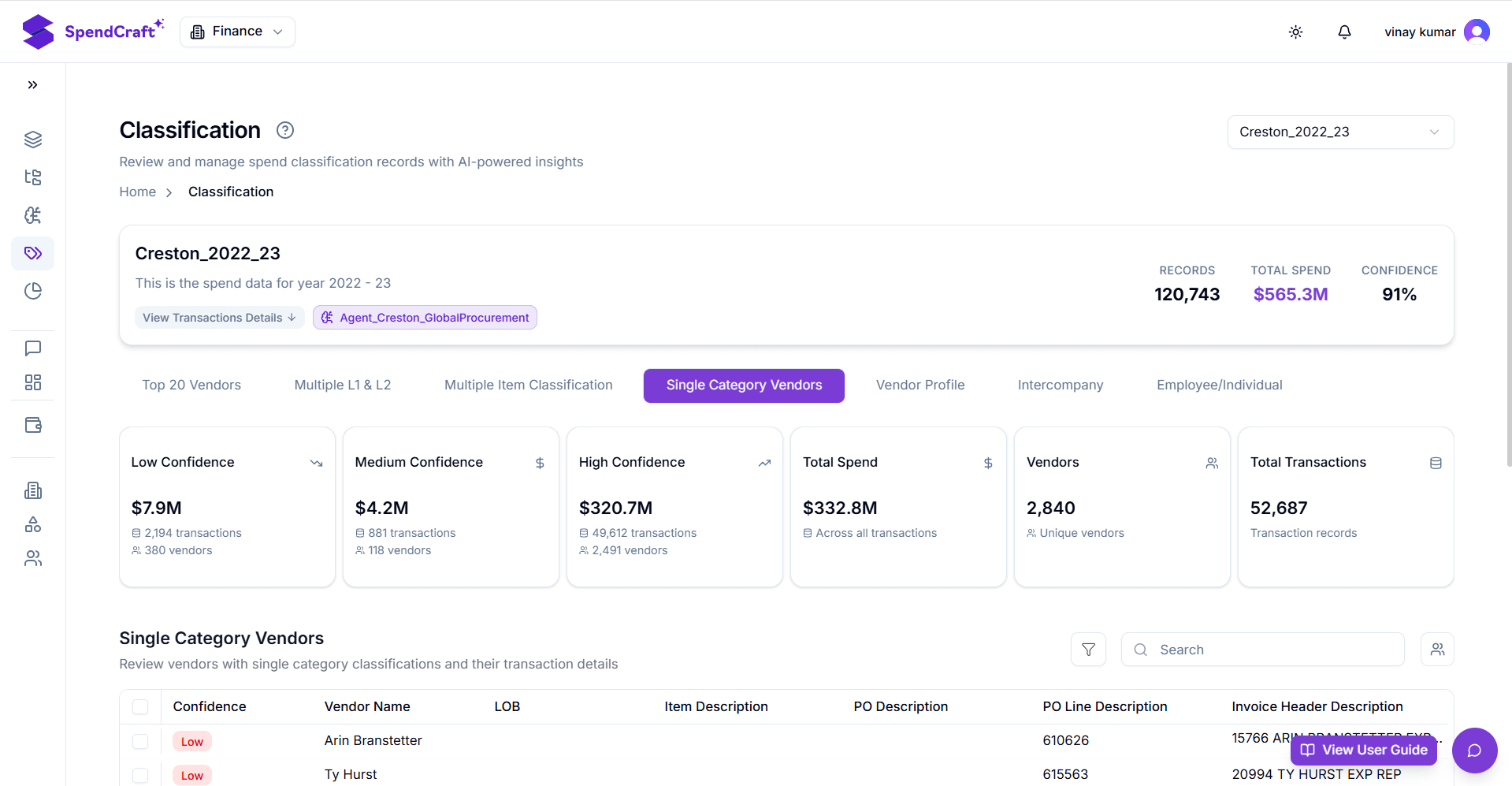
- Single Category Vendors — Review suppliers with spend concentrated in one category. Confirms core, niche suppliers are correctly categorized with no misclassified non-core spend.
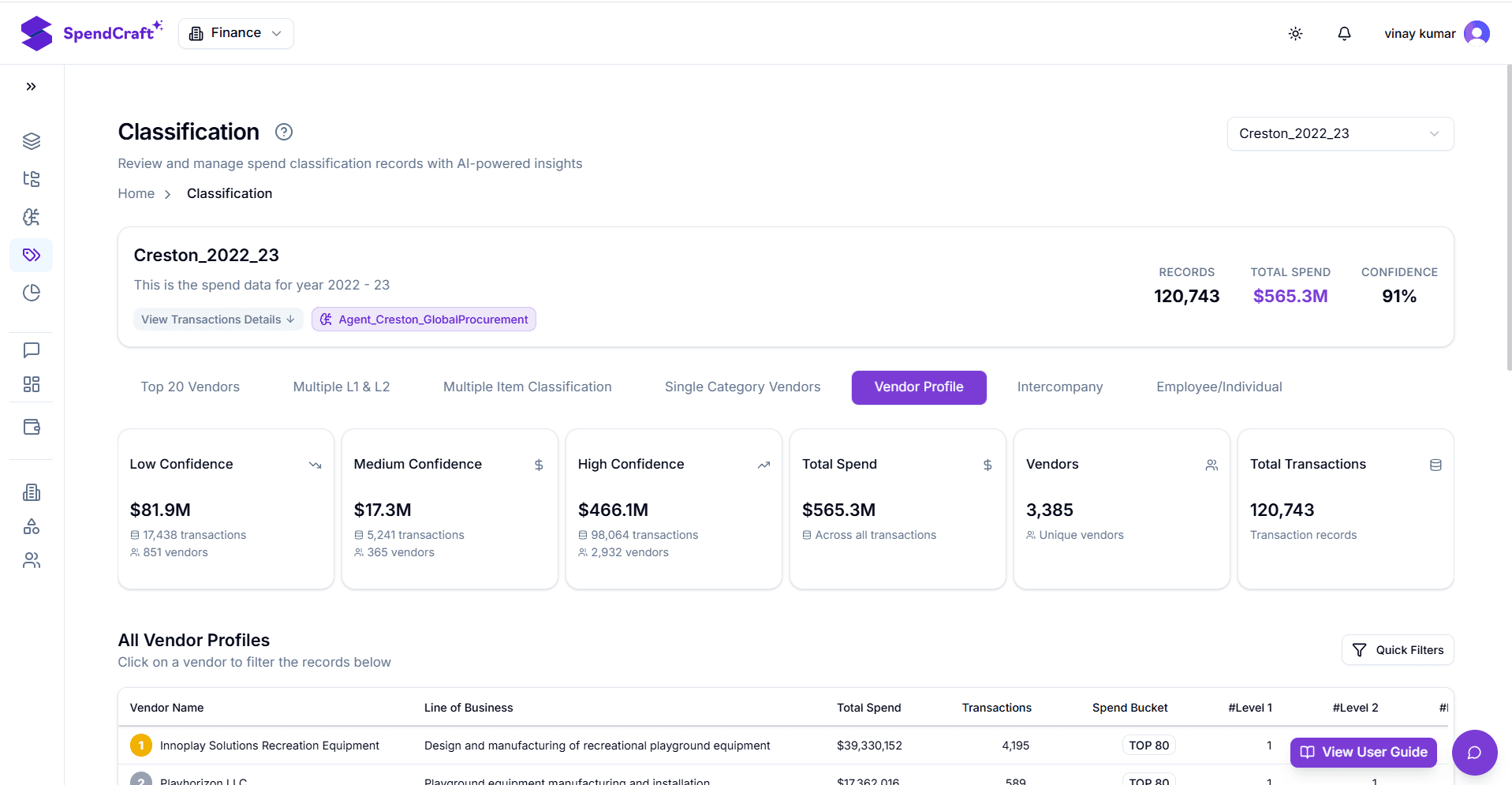
- Vendor Profile — Provides a macro-level view of all vendors and total transaction records. Serves as an overall data health check before detailed record review.
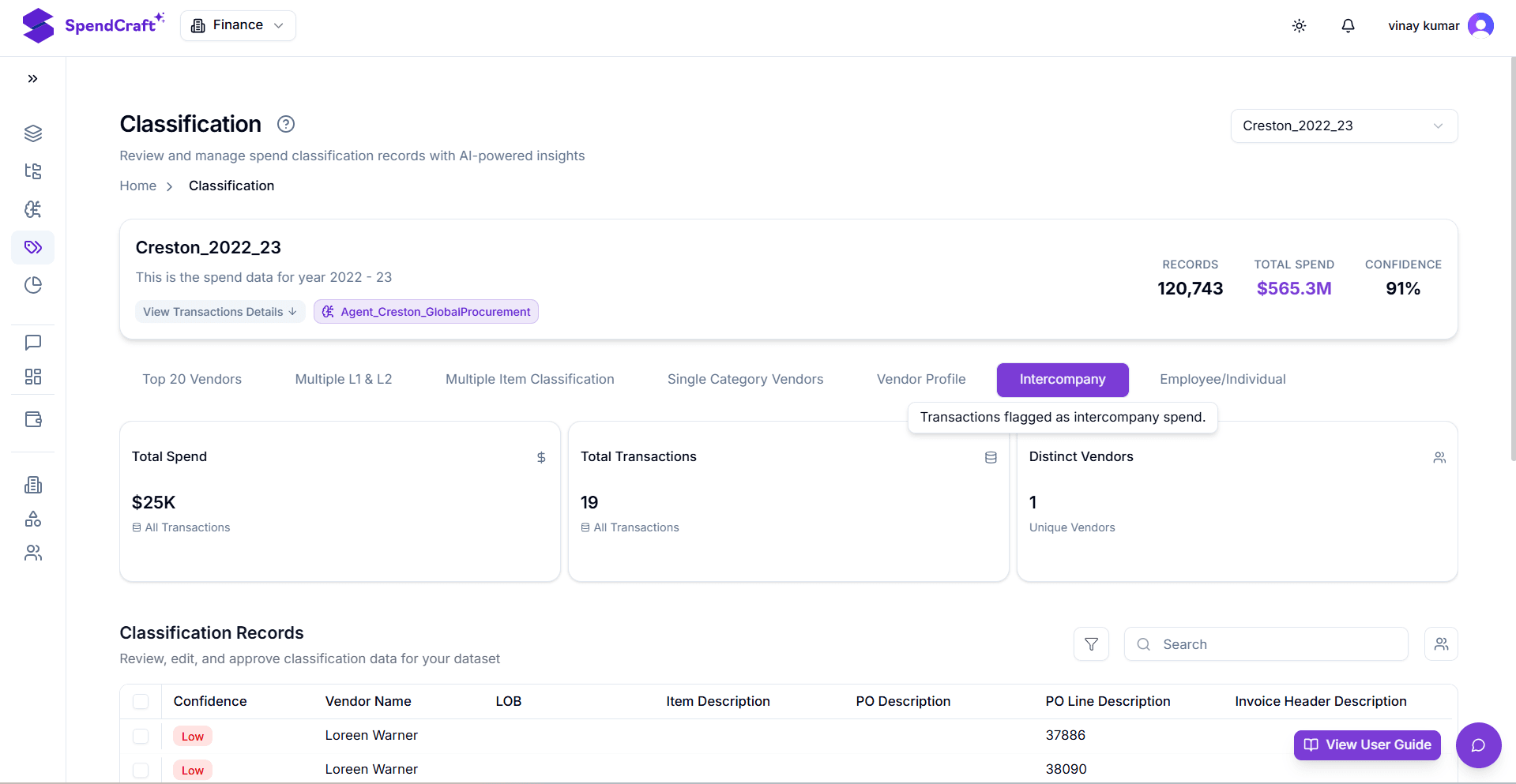
- Intercompany — Segments and reviews transactions between internal company entities. Essential for calculating true third-party spend by separating internal transfers from external supplier payments.
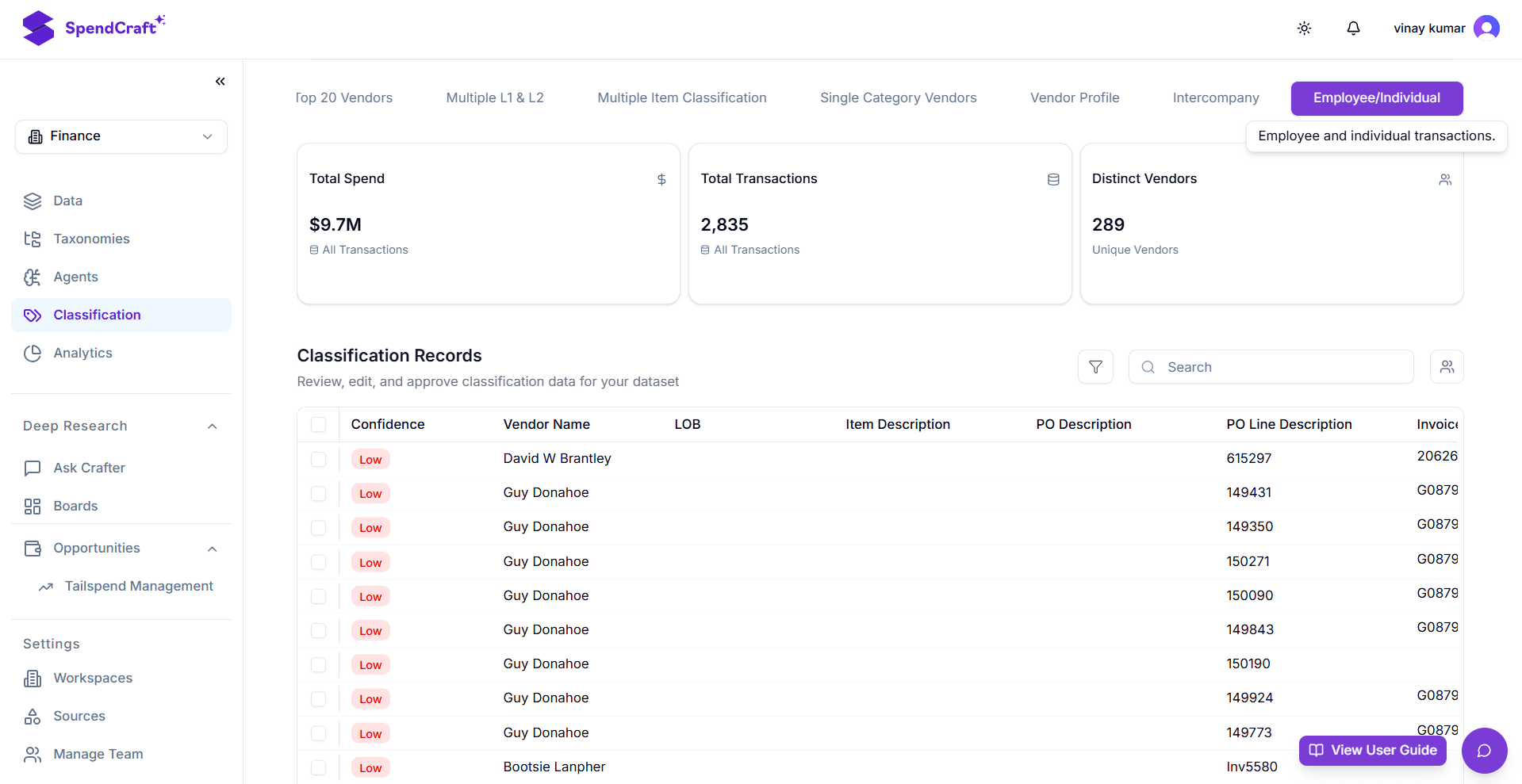
- Top 20 Vendors — Audit the largest suppliers for classification errors.
-
Review and Correct Records: After filtering data using the tabs, focus on the Classification Records table:
- Identify rows tagged with Low in the Confidence column.
- Review Vendor Name, LOB (Line of Business), and Item Description to determine correct classification.
- Use row controls to manually correct the classification path or approve the AI's suggestion. This action completes the audit and provides feedback to the Agent.
-
Finalize the Audit: Once records in the Low Confidence KPI card are reduced to an acceptable minimum, the Dataset is clean and ready for strategic analysis.