
Datasets
Reviewing Vendor Normalization
Access the normalization interface by clicking Vendor Normalization within the Dataset Detail view. This module allows you to audit the AI’s grouping logic and finalize your supplier profiles.
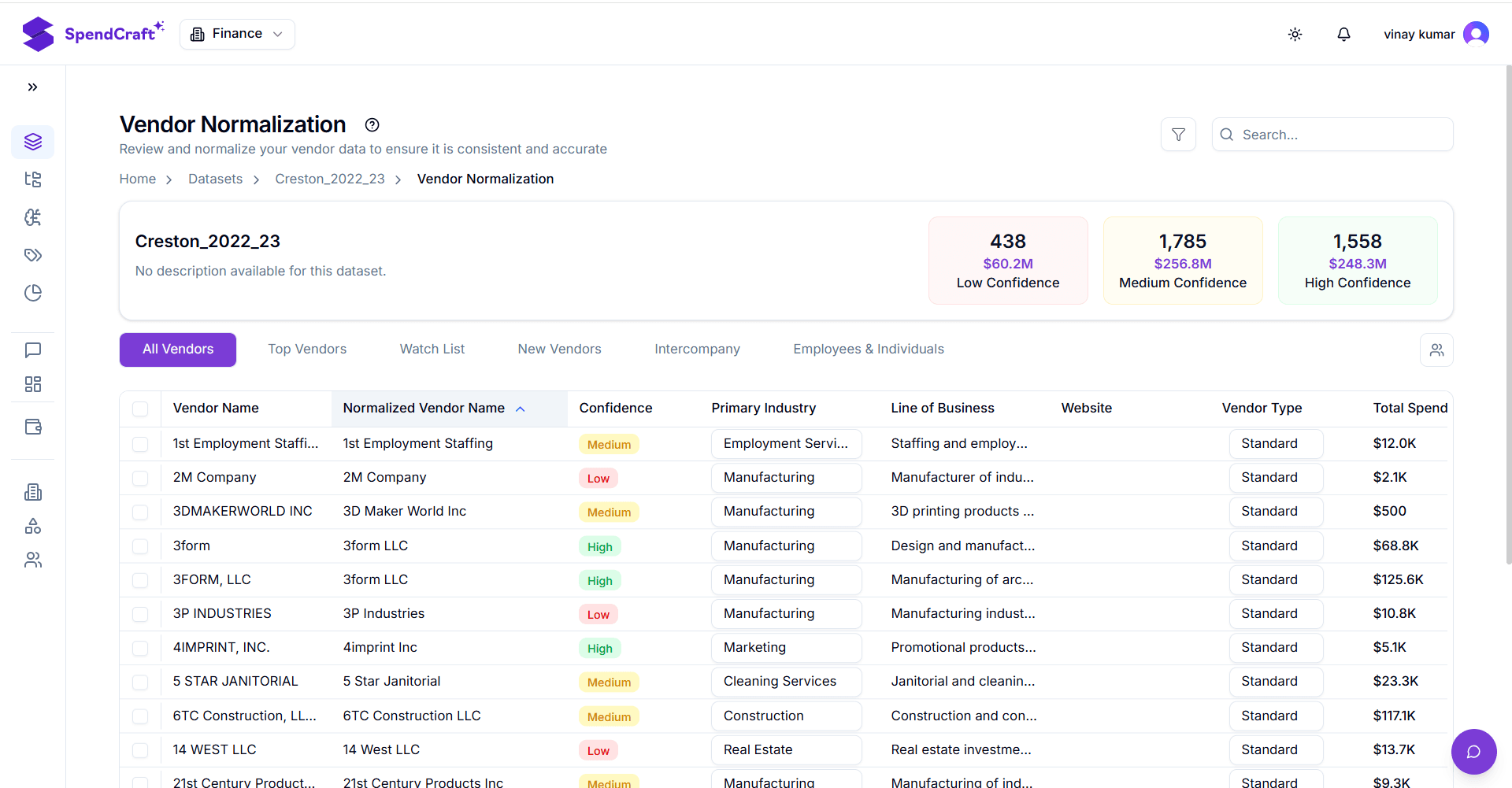
📊 A. Normalization Status (KPIs)
The KPI cards segment your vendors based on the AI's confidence in the proposed grouping. Prioritize your review based on these categories:
- Needs Attention: Low-confidence groupings with a high risk of fragmentation. These require immediate manual verification.
- Moderate: Mid-range confidence scores; recommended for secondary review.
- Verified: High-confidence groupings that are automatically consolidated by the system.
📂 B. Vendor Organization Tabs
Use these tabs to navigate different segments of your supplier base:
| Tab Name | Purpose |
|---|---|
| All Vendors | The master list of every unique vendor and their assigned Parent Name. |
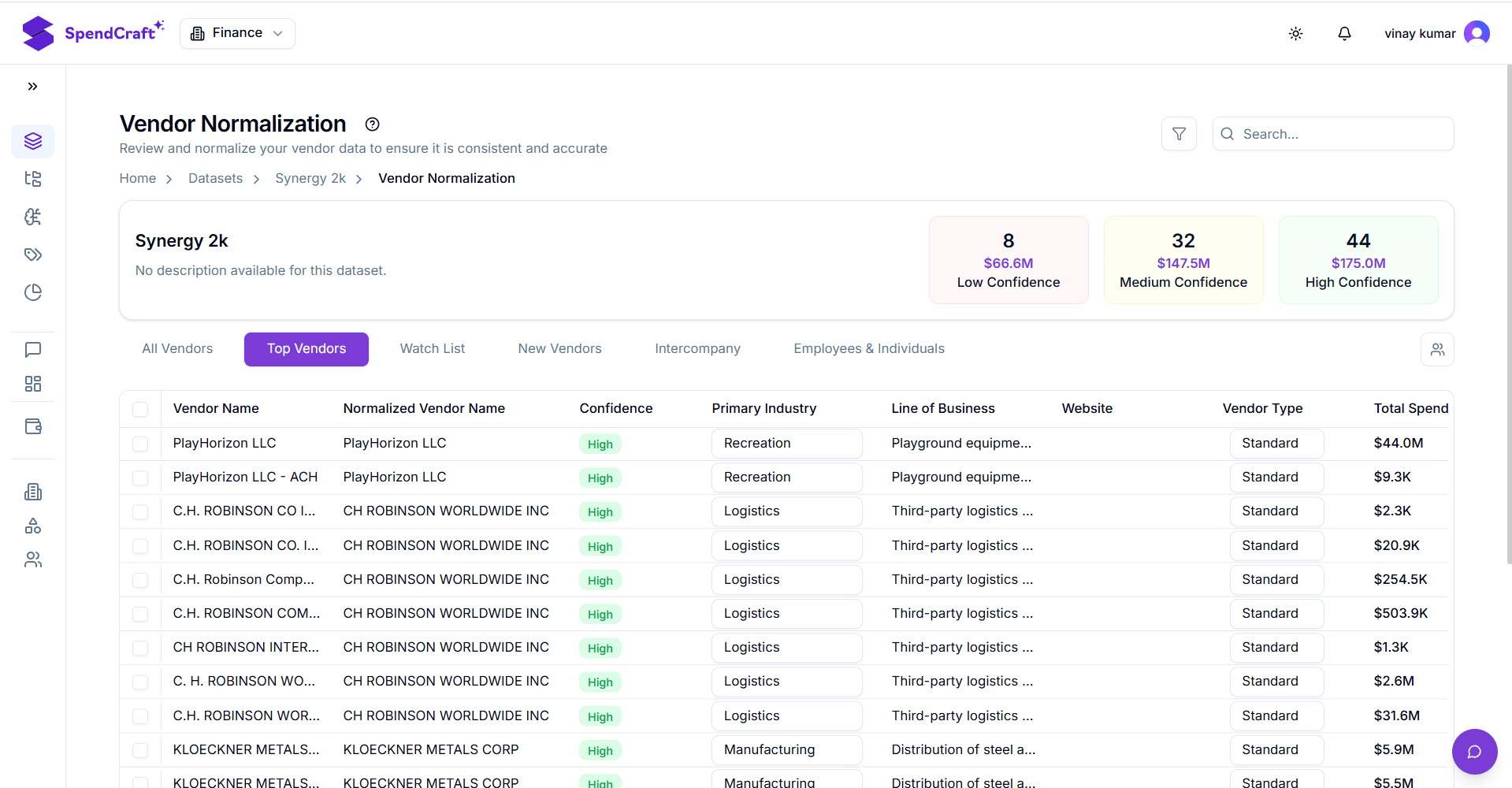
| Top Vendors | A ranked view focusing on high-spend or highly fragmented suppliers. |
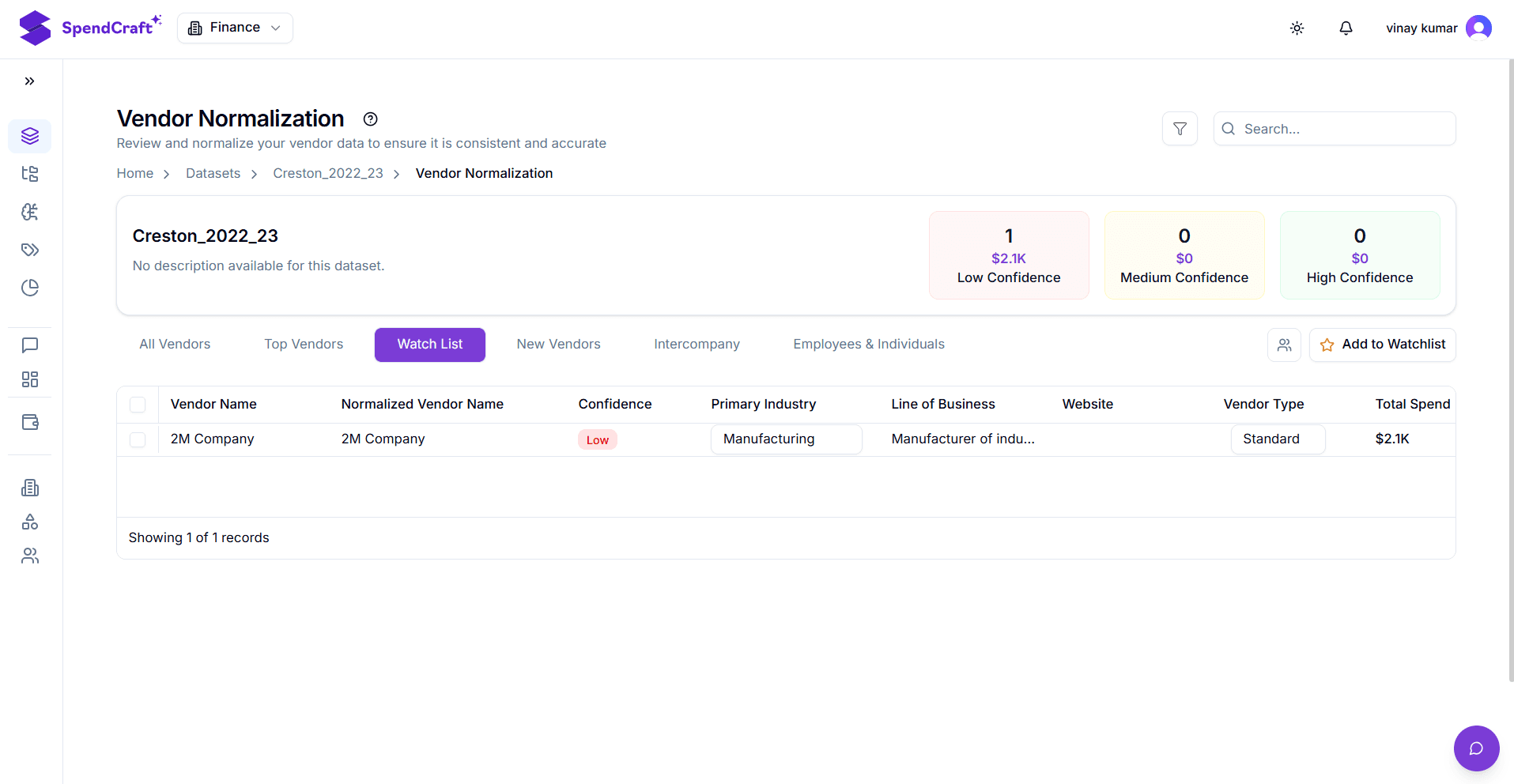
| Watch List | Suppliers manually flagged for ongoing monitoring or specialized review. |
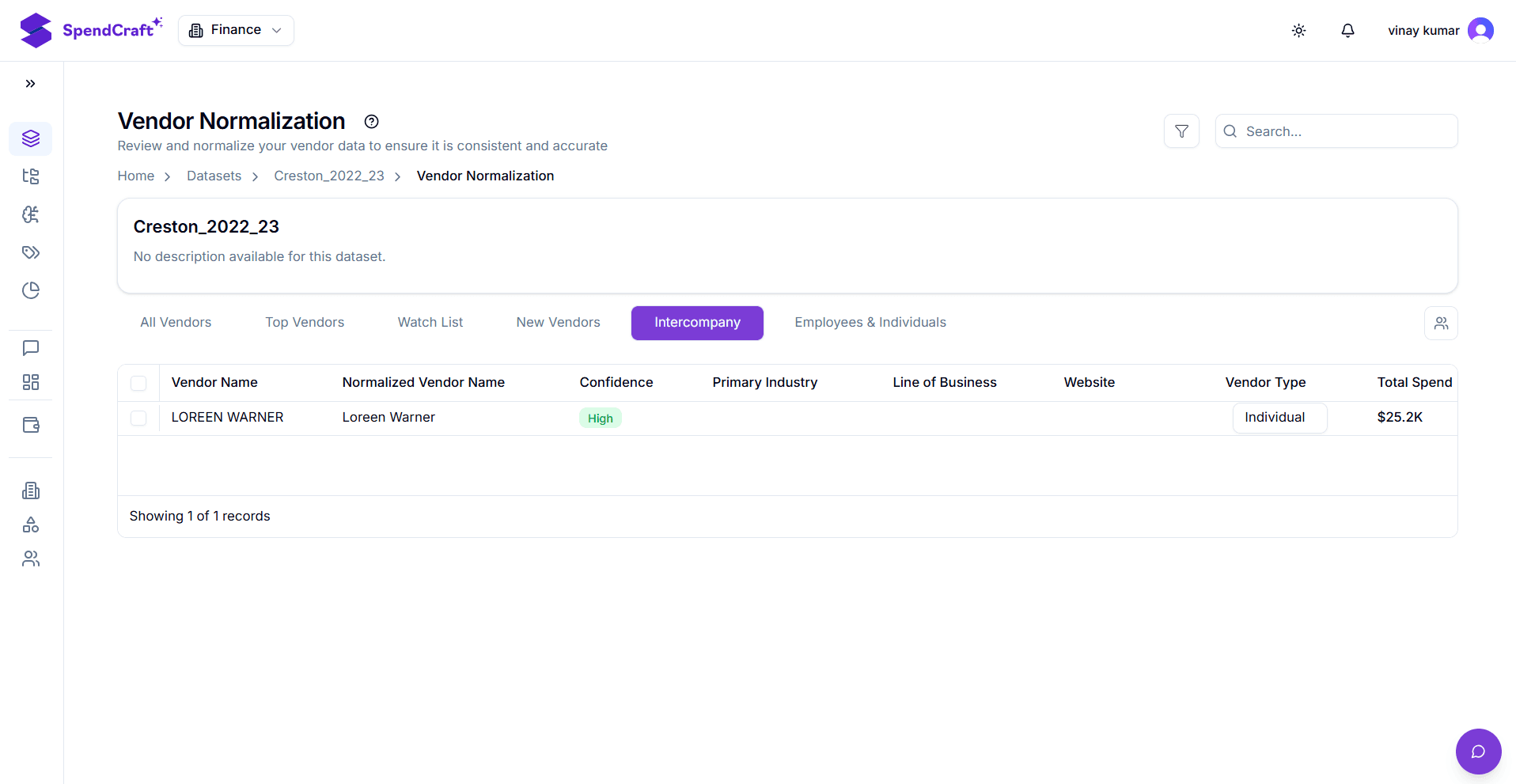
| Intercompany | Isolated view of internal transactions to separate them from third-party spend. |
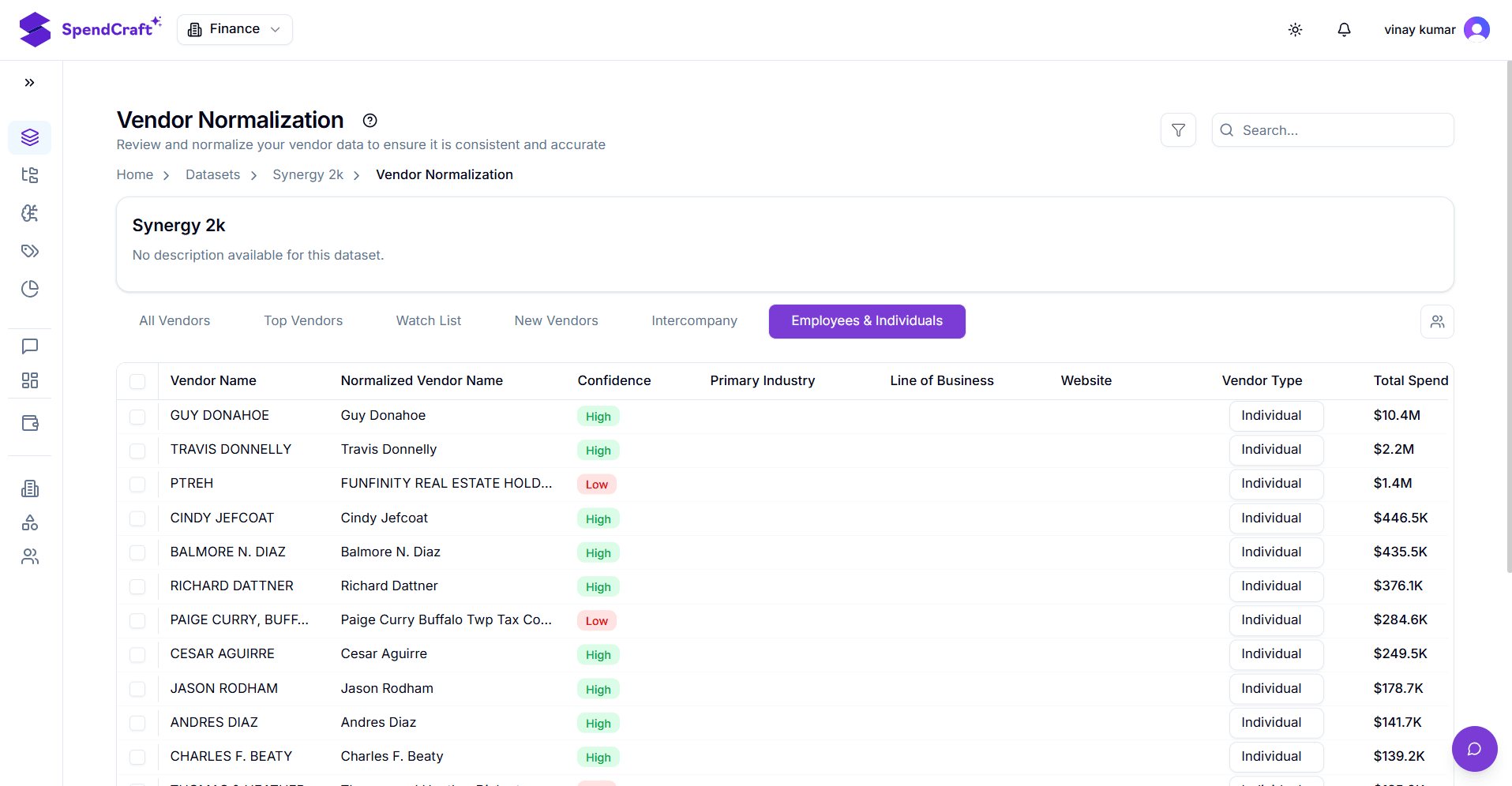
| Employees | Specifically for expense-related payments to individuals. |
🔍 C. Search, Filter, and Column Actions
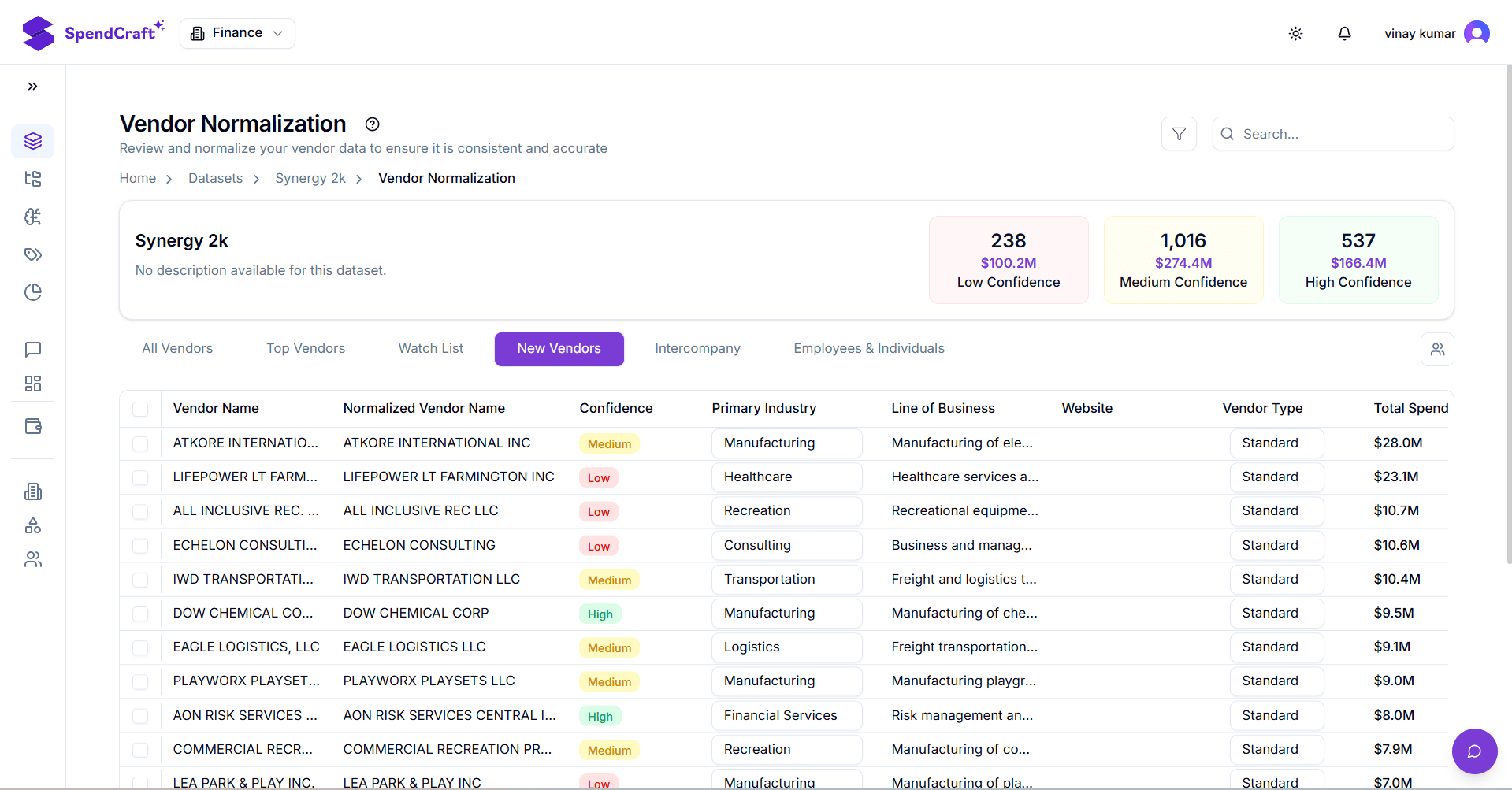
Refine your view using the data management tools located above the vendor grid:
- Search Bar: Instantly find a specific supplier or keyword within the active tab.
- Add Filter: Build complex rules (e.g., "Confidence Score is Medium" AND "Spend > $10,000").
- Column Actions: Click any header to:
- Sort: Organize data in Ascending or Descending order.
- Pin: Lock a column (like Vendor Name) to the left for easier scrolling.
- Filter: Apply quick text or numerical filters directly to that column.
Review Strategy
For the most efficient audit, we recommend starting with the Needs Attention KPI card and the Top Vendors tab to ensure your largest spend categories are normalized correctly first.