
Datasets
Monitoring Dataset Metrics
Selecting a Dataset name (e.g., ICP_01) opens the Summary Dashboard, providing an immediate overview of the data health and financial totals.
📊 Key Performance Indicators (KPIs)
| Metric | Definition & Context |
|---|---|
| Total Spend | The aggregated monetary value of all transaction lines within the filtered scope. |
| Total Records | The absolute count of transaction line items (e.g., 113,631 records). |
| Zero Spend | The count and value of transactions with zero or negative amounts (e.g., chargebacks/returns). |
| Distinct Items | The number of unique descriptions or SKUs identified across the dataset. |
📤 Actions & Status
Beyond metrics, the dashboard provides administrative controls to finalize your data:
Publish to Workspace This action pushes your fully classified and normalized Dataset to a designated Workspace. Once published, authorized teams can access the data for reporting and analytics.
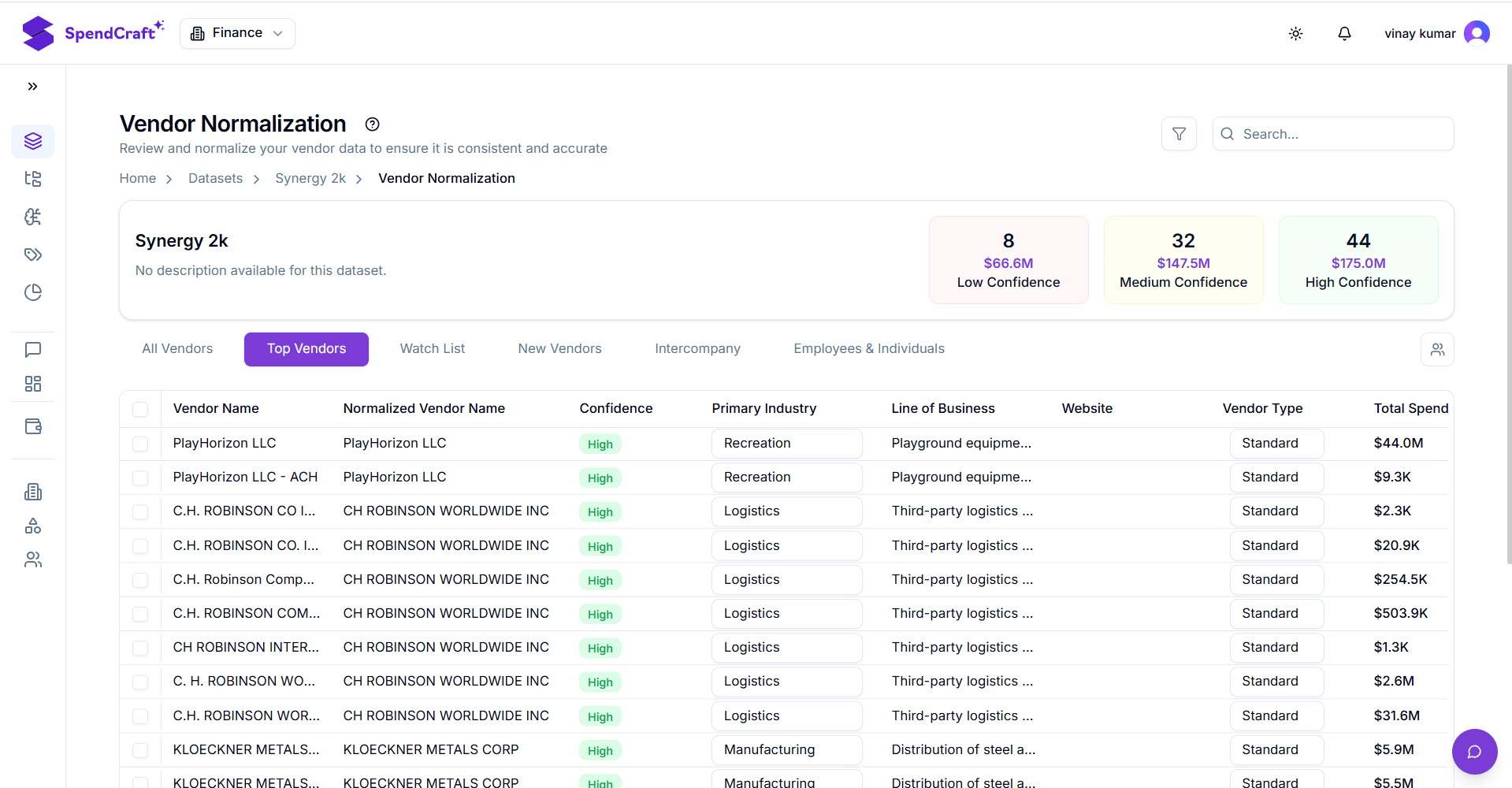
Interface Preview
Tip: Monitoring Data Quality
High counts of Zero Spend or low Distinct Items relative to your total records may indicate that the source data requires further cleansing before you proceed to Classification.